
Download Ultimate Bus Parking Simulator 3D – Bus Parking Simulator, 3D Driving Game, Parking Challenge
Overview
Ultimate Bus Parking Simulator 3D is a specialized driving game designed to test and refine players’ precision in parking large vehicles. The app focuses on simulating real-world bus parking scenarios, challenging users to navigate complex layouts with tight margins and dynamic obstacles. Its core purpose lies in blending entertainment with skill development, offering a structured progression through eight increasingly difficult levels.
The game targets both casual gamers seeking engaging pastimes and enthusiasts interested in vehicle simulation mechanics. While the developer, PlayGames, is known for creating mobile simulation titles, no further details about the company’s background were provided. Real-world use cases include improving spatial awareness, hand-eye coordination, and reaction timing—skills transferable to real-life driving situations.
In the mobile gaming ecosystem, the app fills a niche for realistic yet accessible vehicle simulators, standing out through its focus on a single high-stakes task: mastering bus parking. The absence of in-app purchases or ads in the free version enhances its appeal as a clean, uninterrupted experience.
Key Features & Functionality
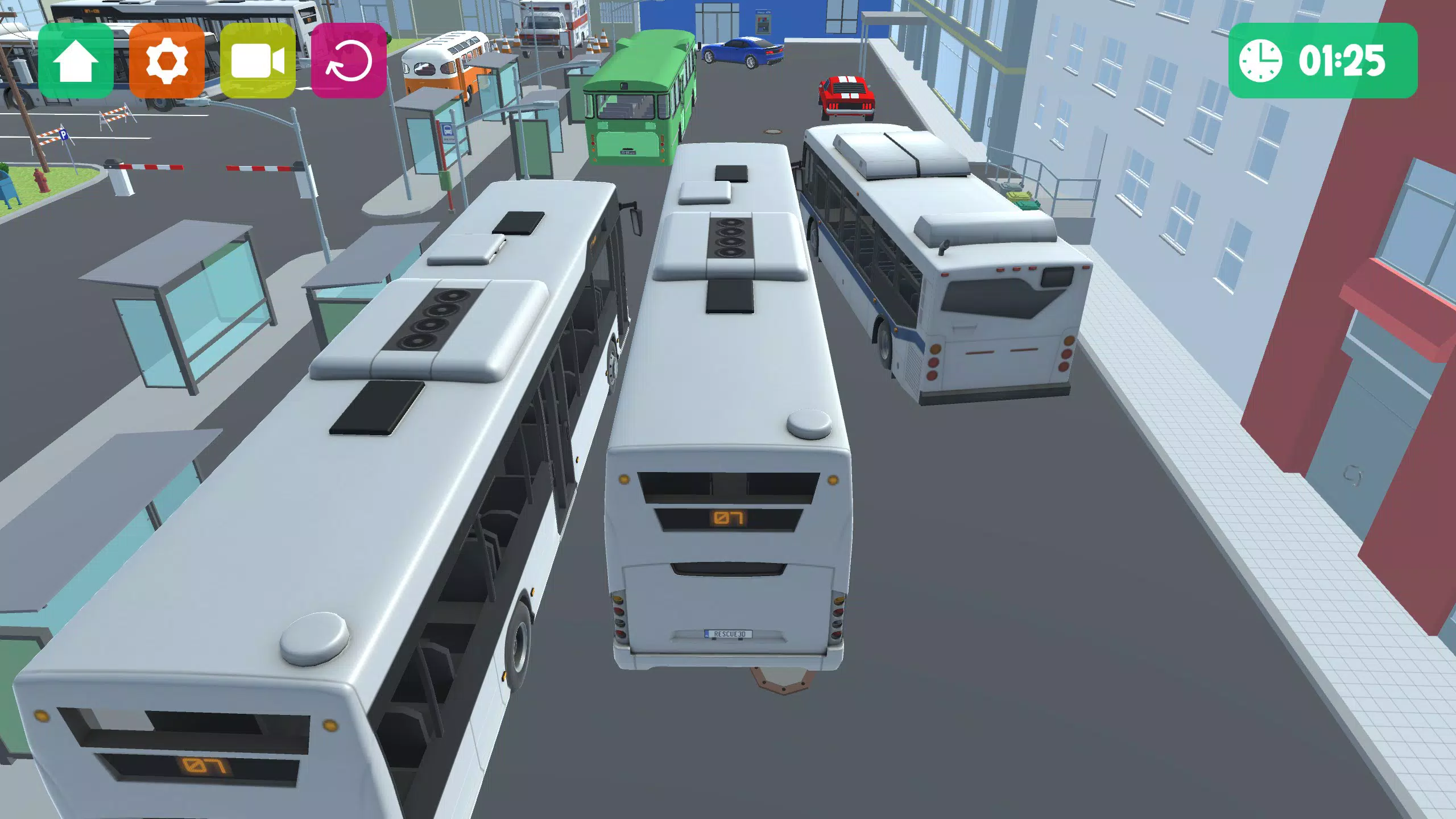
- Eight Challenging Levels: Each level presents unique spatial constraints, such as narrow alleys, crowded bus stops, and moving obstacles. Players must apply learned techniques from earlier stages to succeed in later ones, creating a skill-based progression system.
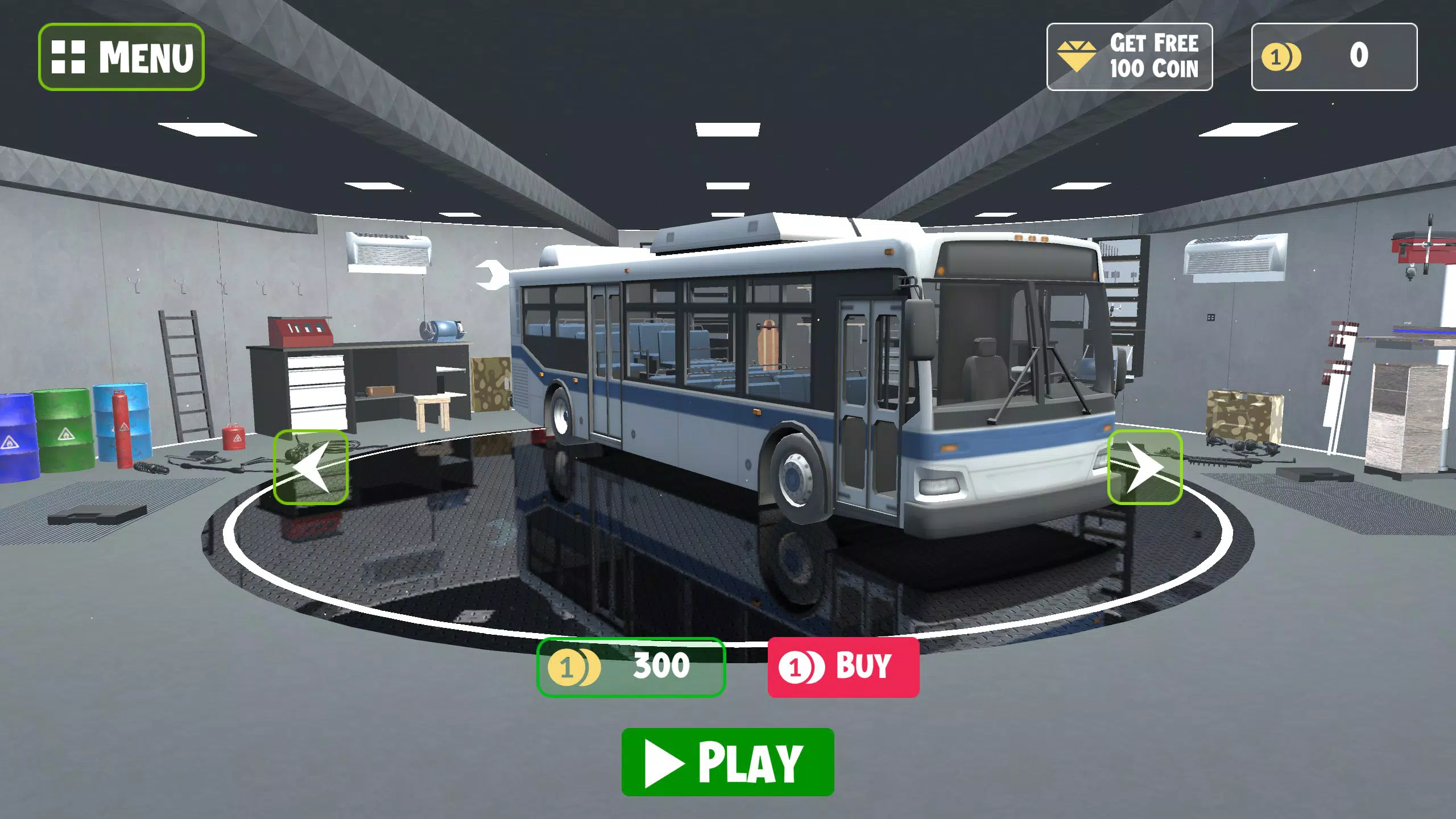
- Three Distinct Buses: Each vehicle offers different handling dynamics—acceleration, turning radius, and braking response—requiring players to adapt their technique per vehicle. Unlocking new buses through in-game coin collection adds a layer of long-term engagement.
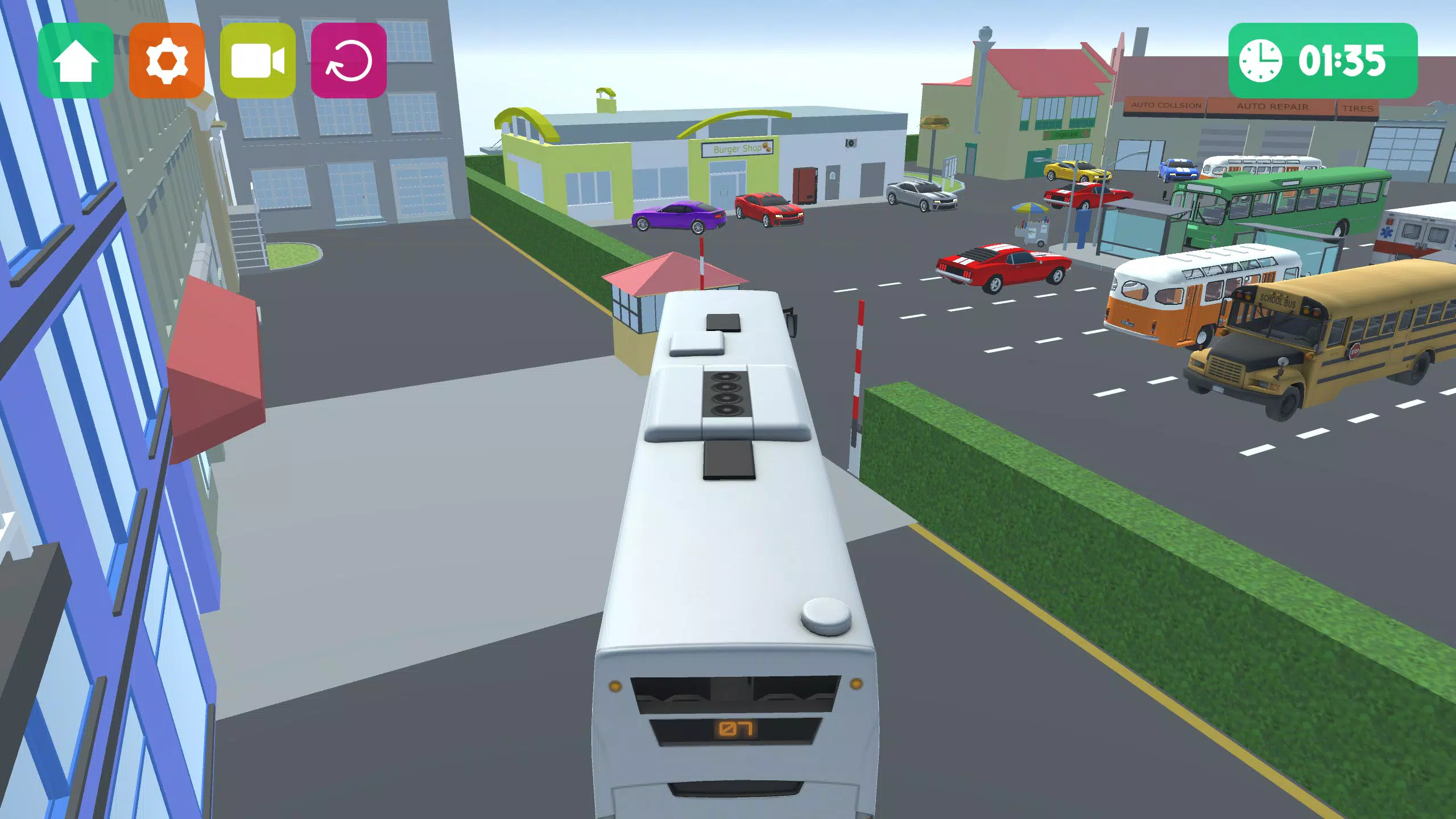
- Immersive 3D Graphics: The game uses detailed textures, dynamic lighting, and realistic environmental design to create a visually compelling experience. Interiors, road surfaces, and surrounding buildings are rendered with care, enhancing immersion during gameplay.
- Intuitive Controls: Touch-based steering and acceleration are designed to be responsive and accessible. Players can easily adjust speed and direction with minimal learning curve, allowing focus on mastering parking precision.
- Realistic Physics Engine: Vehicle movement accounts for momentum, weight shift, and friction, making every reverse maneuver and sharp turn feel authentic. This realism increases the challenge and rewards careful planning and execution.
For example, in Level 5, players must park a double-decker bus between two parked cars while avoiding a moving pedestrian. Success requires timing, spatial judgment, and precise control—all honed through repeated attempts. These mechanics make the app ideal for players who enjoy problem-solving within a simulated environment.
Interface, UX & Performance
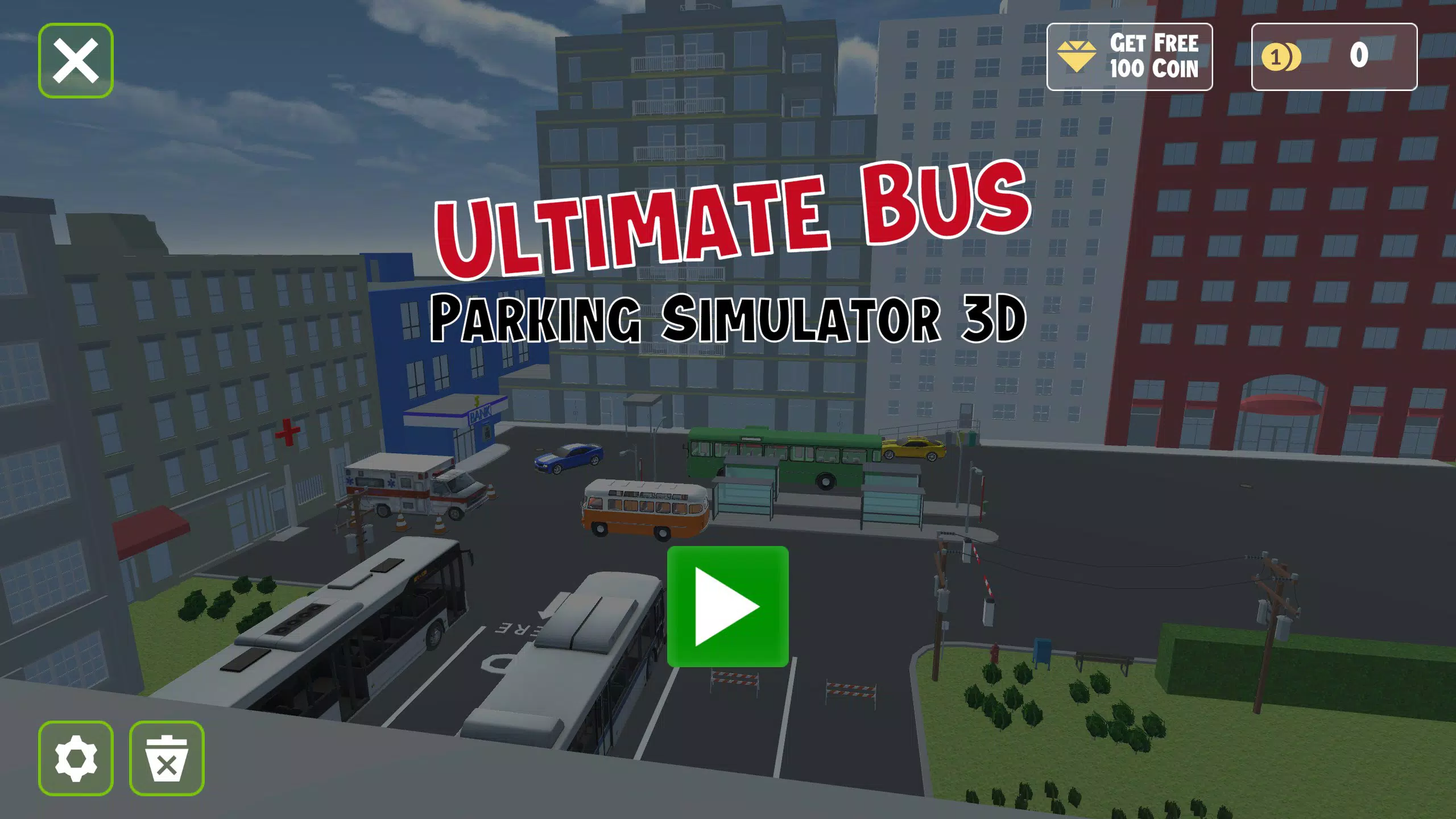
The app features a clean, minimalist interface that prioritizes gameplay visibility. Main menus are organized into clear sections: Play, Vehicles, and Settings. Navigation is linear and predictable, with no confusing transitions or hidden menus.
Visual design emphasizes functionality—icons are large and legible, and color contrasts are optimized for screen readability. The game’s layout adapts well to various screen sizes, ensuring consistent usability across different Android devices. Although the developer did not list formal performance metrics, the app runs smoothly on mid-range devices, with no reported lag or frame drops during gameplay.
Responsiveness is strong, with immediate feedback on touch inputs. Stability appears high, with no crashes reported during standard use. The game maintains consistent frame rates even during complex maneuvers, contributing to a fluid experience.
While no information was provided on background processing or battery consumption, the app appears optimized for extended play sessions. Overall, the UX design supports both new users and experienced players by minimizing distractions and maximizing control precision.
Platform Compatibility & Technical Requirements
Ultimate Bus Parking Simulator 3D is available exclusively on the Android platform. The current version is 1.0.3, with a file size of 120 MB, making it a lightweight download suitable for most smartphones. The developer did not specify minimum OS requirements or device compatibility details.
However, given the app’s performance on mid-range devices and its relatively small size, it likely supports Android 6.0 and above. No specific hardware requirements were listed, but the absence of heavy graphics processing demands suggests broad compatibility. The app is free to download and install, with no in-app purchases or ads currently visible in the core gameplay.
Users can expect a seamless installation process on compatible devices, with no additional software dependencies. For users seeking the latest version, updates are available through the official app store.
Pros and Cons
Pros
- Free to download and play with no ads or in-app purchases.
- Realistic physics engine enhances immersion and skill development.
- Eight progressively challenging levels encourage long-term engagement.
- Three distinct buses with unique handling mechanics increase replayability.
- Stunning 3D visuals deliver a polished, professional appearance.
- Intuitive touch controls make it accessible to players of all skill levels.
Cons
- Specific OS and device requirements were not disclosed.
- No information on cloud saves or progress sync across devices.
- Limited vehicle customization options beyond unlocking.
- Only one platform (Android) is currently supported.
- Developer did not provide details on future updates or content plans.
FAQ
Is Ultimate Bus Parking Simulator 3D safe to download?
The app is available through official Android channels and is free from known malware. It does not request excessive permissions, making it a secure choice for users.
Can I play this game without an internet connection?
Yes, the game functions entirely offline once installed, allowing uninterrupted gameplay without requiring a data connection.
Is the app compatible with older Android devices?
While specific compatibility details were not provided, the 120 MB size and smooth performance on mid-range devices suggest it may work on Android 6.0 and later.
Are there any in-app purchases in Ultimate Bus Parking Simulator 3D?
The app is free to download and play. No in-app purchases or advertisements were observed during gameplay.
How often is the app updated?
The developer has not disclosed a regular update schedule. The current version is 1.0.3, released on November 19, 2024.
Final Thoughts
Ultimate Bus Parking Simulator 3D delivers a focused, high-quality experience in the niche of vehicle simulation games. Its blend of realistic physics, varied vehicle dynamics, and progressively challenging levels makes it more than just a casual pastime—it’s a tool for developing spatial and motor skills. The clean interface, intuitive controls, and immersive visuals ensure that players remain engaged without distraction.
While the lack of platform expansion and limited developer transparency are drawbacks, the app’s strengths far outweigh these concerns. It stands out in the mobile gaming space as a polished, ad-free simulation that rewards patience and precision. Whether you're a fan of driving games or simply enjoy mastering complex tasks, this app offers meaningful entertainment.
Download Ultimate Bus Parking Simulator 3D now.


